
Let's be honest: most virtual meetings are kind of a drag. Everyone's on mute, staring at a grid of faces, waiting for it to be over. But what if your next Google Meet didn't have to be another boring status update? What if you could actually have fun with your team while still being productive? That's where virtual games come in. And no, we're not talking about awkward icebreakers that make everyone cringe. We're talking about actual fun games that get people talking, laughing, and connecting, even when they're scattered across different time zones.
Key takeaways
- Virtual meeting games aren't just fun; they actually help remote teams bond and communicate better
- Kumospace's spatial audio and interactive environments make online games way more immersive than traditional video calls
- These 15 games work for any team size and don't require a complicated setup
- The right platform can make or break your virtual game experience
Why play Google Meeting games?

Before we dive into the games themselves, let's talk about why this matters. Virtual team games aren't just a nice-to-have anymore; they're basically essential for keeping remote teams connected.
Team bonding
When your team only interacts through Slack messages and video calls, it's easy to forget there are actual humans on the other side of those screens. Games create shared experiences that help people find common ground, crack jokes, and build actual relationships.
Think about it: when's the last time you genuinely laughed during a work meeting? Games like virtual escape rooms or trivia challenges give people a reason to interact beyond the usual "can you see my screen?" routine.
Communication enhancement
Here’s something most people don’t think about: game night virtual games are basically communication practice disguised as fun. When you’re trying to solve a virtual escape room or describe a drawing in Pictionary, you’re forced to be clear, ask questions, and actually listen to your teammates.
These are the same skills you need for effective collaboration, but games make practicing them feel way less like work.
Breaking monotony

There are only so many times you can hear "so, any questions?" before your brain starts to check out. Adding a quick 10-minute game to your meeting breaks up the monotony and gives people something to look forward to.
Plus, when people are actually engaged and having fun, they're more likely to participate in the rest of the meeting too. It's a win-win.
Kumospace: a better platform for interactive games

Look, Google Meet is fine for basic video calls, but if you're serious about hosting virtual games, there are better options out there. Kumospace takes a completely different approach to online meetings that makes gaming actually enjoyable.
What makes Kumospace great
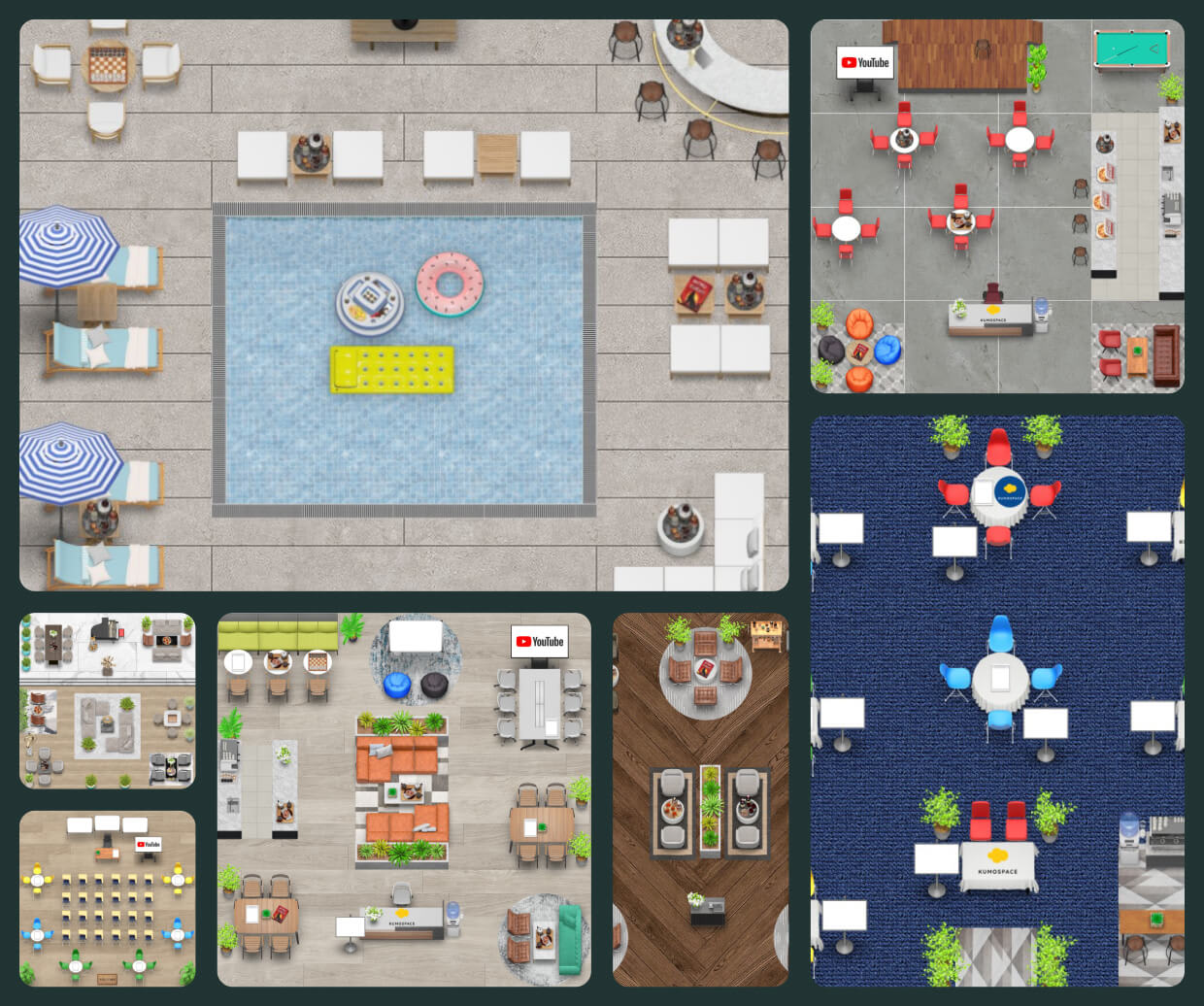
Instead of trapping everyone in a static grid, Kumospace creates virtual spaces where people can actually move around. You can walk up to someone to start a conversation, move away when you're done, and navigate the space like you would in real life.
The spatial audio is what really makes it work. When someone's far away, their voice is quieter. When you're standing next to them, it's like you're actually in the same room. This isn't just cool tech for the sake of it; it fundamentally changes how games feel in a virtual environment.
Kumospace vs. Google Meet for Interactive Games
Google Meet was built for traditional video conferencing. It's great at letting people talk to each other in a structured way, but it wasn't designed with games in mind.
Where Kumospace wins:
Immersive environment: Kumospace mimics real-life interactions in a way that flat video calls just can't. When you're playing games, this makes a huge difference. Instead of everyone talking over each other or awkwardly waiting their turn, people can naturally form groups, move between conversations, and interact more organically.
Customizable spaces make it easy to design a virtual office or event environment for different games and activities. Want to host a murder mystery in a virtual mansion or a trivia night in a cozy pub setting? You can do exactly that in Kumospace.
Built-in collaboration tools: Virtual whiteboards, screen sharing, and interactive elements are baked right in, making it easier to run games without juggling multiple tools and browser tabs.
Better engagement: Let's be real, traditional video calls are exhausting. Kumospace's game-like environment makes meetings feel less like work and more like an actual social experience.
Google Meet has its place for quick check-ins and formal presentations, but when you want to host games that people actually enjoy, Kumospace's interactive environment is hard to beat.
Top 15 engaging Google Meeting games

Alright, let's get to the good stuff. Here are 15 games that actually work for virtual teams, whether you're on Google Meet or (ideally) Kumospace.
Virtual escape room

Virtual escape rooms are basically the gold standard for team-building games. Your team is "locked" in a digital room and has to solve puzzles and riddles to escape. It requires collaboration, problem-solving, and communication, all while being genuinely fun. There are tons of platforms offering virtual escape rooms specifically designed for remote teams, so you don't have to build everything from scratch.
Google Maps street view guessing game
Drop your team into a random location on Google Street View and have them guess where they are. It's simple, doesn't require any special tools, and always leads to hilarious wrong guesses.
You can make it competitive by keeping score, or just play casually and enjoy the virtual travel. Either way, it's a fun break from the usual meeting routine.
Online pictionary
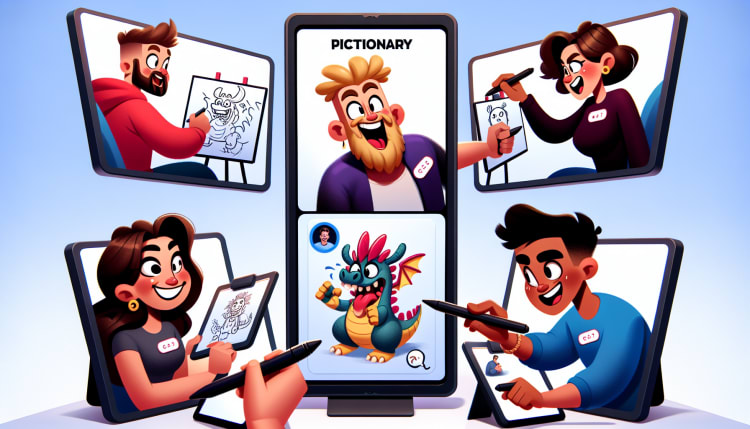
Classic Pictionary translates surprisingly well to virtual meetings. Use a shared whiteboard or drawing tool, and take turns drawing while others guess. It's quick, easy, and works for teams of any size. Set a short time limit (like 60 seconds) to keep things moving and add some pressure.
Trivia Challenge
Everyone loves virtual trivia or online quiz games, and it's incredibly easy to set up. You can use pre-made trivia questions from sites like Kahoot or Sporcle, or create custom questions about your team, industry, or company history. Trivia works great as a quick warmup at the start of a meeting or as a longer competition if you have time to kill.
GeoGuessr
Similar to the Google Maps game but more polished, GeoGuessr drops you in random locations worldwide and challenges you to guess where you are based on visual clues. It's addictive, educational, and surprisingly competitive. You can play individually or in teams, making it flexible for different group sizes.
Collaborative crossword puzzles
Work together to solve a crossword puzzle using a shared screen. It's a chill, low-pressure game that encourages collaboration without being too intense. There are plenty of free online crossword sites where multiple people can contribute to the same puzzle.
Virtual bingo
Bingo is easy to set up, works for large groups, and doesn't require much explanation. You can use traditional bingo cards or create custom ones with inside jokes, work scenarios, or meeting bingo (free space: someone says "circle back").
Word Association
This one's simple but surprisingly engaging. Someone says a word, and the next person says the first word that comes to mind. Keep the chain going as long as you can. It's a great warm-up game that gets people thinking creatively and shows you how different people's brains work.
Memory Master
Test your team's memory with quick recall challenges. Show a picture for 10 seconds, hide it, then ask specific questions about what was in it. Or read a short story and quiz people on the details. It's simple but gets everyone's brain working.
Online scattergories
Pick a letter and a few categories (like "movies," "foods," or "things in an office"), then race to come up with unique answers starting with that letter. The catch? You only get points if nobody else has the same answer. It's fast-paced, competitive, and always leads to creative (sometimes ridiculous) answers.
Virtual Murder Mystery
Murder mystery games, like Assassins Online, are having a moment, and for good reason. They're immersive, interactive, and give everyone a role to play. There are tons of virtual murder mystery kits you can buy, or you can find free versions online. These work best with slightly smaller groups (8-15 people) where everyone can meaningfully participate.
Quick Draw Challenge
Give everyone a prompt and 60 seconds to draw it. Everyone submits their drawing, then votes on the best (or worst) one. You can use any drawing tool or just paper held up to the camera. It's low-stakes, funny, and doesn't require any artistic skill (which is kind of the point).
Storytelling Relay
Start a story with one sentence, then have each person add a sentence to continue it. The results are usually absurd and hilarious, especially if you have a creative team. This game works great as a quick icebreaker or transition between meeting topics.
Fact or Fiction
Each person shares three statements about themselves, two true, one false. Everyone else guesses which one is the lie. It's a classic icebreaker that helps people learn random facts about each other.
Icebreaker questions
Sometimes the simplest approach is the best. Throw out interesting virtual icebreaker questions at the start of your meeting: "What's your most unpopular opinion?" "What's a skill you wish you had?" "What's your go-to karaoke song?" Pick questions that are actually interesting, not the usual "what's your favorite color" nonsense.
Enhancing game experience with Kumospace
Having explored some engaging Google Meeting games, let’s delve into ways to augment the gaming experience with Kumospace.
From facilitating games to maximizing engagement and interaction, there’s plenty you can do to make your virtual gaming sessions more fun and engaging.
Tips and tricks for facilitating games on Kumospace
With the right tips and tricks, facilitating games on Kumospace becomes incredibly easy. Whether it’s setting clear rules, using breakout rooms, or incorporating interactive tools, these strategies can help you conduct games smoothly and efficiently.
Maximizing engagement and interaction
Engagement and interaction are paramount in online games. Kumospace offers several features that can help maximize engagement and interaction during games. By encouraging active participation and utilizing the platform’s unique features, you can create an immersive gaming experience that everyone will enjoy.
Summary
Virtual meeting games aren't just about killing time; they're about building real connections with your remote team. Whether you stick with Google Meet or upgrade to something more interactive like Kumospace, the key is actually doing it. Pick a game, set aside 10-15 minutes in your next meeting, and see what happens.
Your team will appreciate the break from the usual routine, and you might be surprised how much better your meetings feel when people are actually engaged and having fun.
Frequently asked questions
You can play games like charades, trivia, slideshow parties, and twenty questions with others on Google Meet to engage everyone during virtual meetings or remote learning sessions. These activities can help liven up long meetings and keep participants engaged.
You can have fun in Google Meet by playing games like Kahoot, doing directed drawings, show and tell, and engaging in activities like Pictionary and Charades. You can also do co-activities with others, such as playing games, listening to music, and watching videos together.
Yes, you can play Heads-Up on Google Meet with friends and family. Enjoy!
Yes, you can play Kahoot on Google Meet by using the integration of Kahoot! with Google Meet, making calls and classes more fun and engaging.
Yes, Google offers online games through its service called Google Play Games, which is available on Microsoft Windows, Chromebooks, and Android devices.
Kumospace outperforms Google Meet in hosting interactive games primarily due to its immersive virtual environments and spatial audio, which enhance the gaming experience by simulating real-life interactions more effectively. Additionally, Kumospace's customizable virtual spaces allow for a more engaging and interactive setting for games, compared to the more traditional video conferencing setup of Google Meet.




